First of all, I should say that before buying the Xiaomi Amazfit Bip, I paid 3,000 TL for an Apple Watch 4 and used it for a week. Then I returned it and bought the Xiaomi Amazfit Bip smartwatch for 370 TL. I’m sharing my own experiences below.
 |
Product features:Pedometer Yes Features confirmed as a result of usage experience: Battery Charging Time: approximately 40 min. Usage Time with Fully Charged Battery (without GPS): 30 Days! Water resistance: You can shower with it. |
I’ve been using this product for about 2 months; first, let me write about its downsides. Since I’m comparing it with the Apple Watch 4, I can say that the screen resolution isn’t very high quality. The fact that you can’t make phone calls from the watch can also be considered a downside. Its strap isn’t very high quality either.
Apart from these minor flaws, it’s a completely great device. First of all, the price-performance ratio is amazing. While the Apple Watch 4’s battery life lasts 2 days, with this watch you can use it for a full 30 days—yes, yes, 30 DAYS! without charging. You can receive all notifications (I tried it on iOS and Android). Notification messages look a bit small, but they get the job done. When you first get the watch, you may experience a Turkish character issue in message notifications. I’ll share the solution below.
To sum up, compared to its rivals, the Xiaomi Amazfit Bip is definitely a product that can be preferred in terms of price-performance. After using this watch, I also changed my phone and switched from an Apple iPhone 6s to Xiaomi.
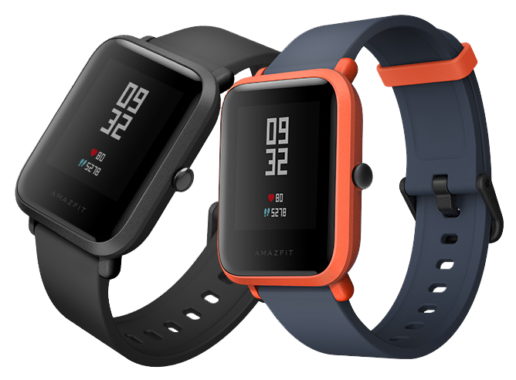
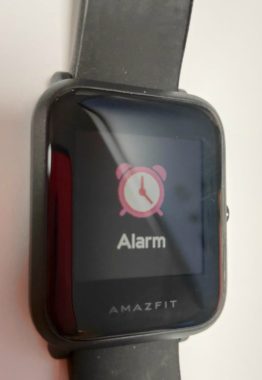
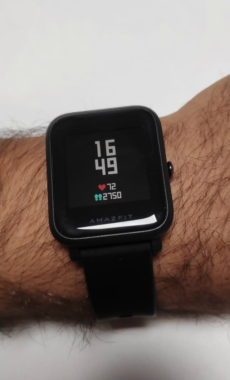
Now let’s get to the images of this smartwatch.



Solution for Xiaomi Amazfit Bip Turkish character issue (ANDROID):
- Make sure you have the latest version of the MIFIT app installed on your phone.
- Gadgetbridge Download and install the latest version of the app.
- In the MIFIT app, turn on the watch’s discoverable mode.
- Gadgetbridge Make the app connect to your watch.
- Mili_chaohu_tr.ft Transfer the file to your phone and install it by tapping on it with a file manager app on your phone.
Share your experience
Got a question, a different solution or a note to add?
Log in or join us to write a comment.
Log in ↗︎Sign up ↗︎