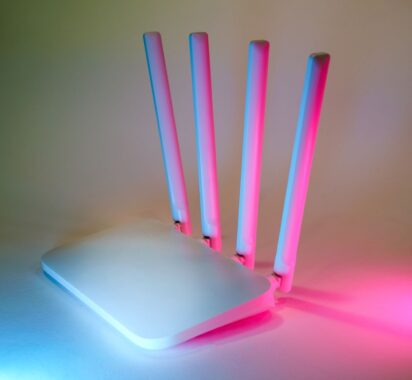
A new security vulnerability has been disclosed in D-Link’s older DIR-600L home router. Tracked as CVE-2026-133993, the issue lies in the device’s GENA subscription handler. It occurs in the router’s web interface file gena.cgi while processing the service parameter.
Stack overflow and potential remote exploitation
According to technical records, an attacker can send an excessively long service value to exceed the limits of a fixed-size stack buffer. This is a memory safety flaw classified as CWE-121 (stack-based buffer overflow). The NVD entry says the vulnerability can be exploited remotely without authentication and that public exploit code is available.
VulDB rates the vulnerability as critical, scoring it 10.0 on the CVSS 3.1 scale and 9.3 on CVSS 4.0. The researcher’s own draft is more cautious, however: the initial review notes say there is only evidence of a crash, a reliable code-execution chain has not yet been confirmed, and a score of 6.5 is recommended. This gap suggests the rating reflects potential impact rather than the available evidence.
Who is affected
The affected version is DIR-600L hardware revision B, firmware 2.17b02. The device is no longer on D-Link’s support list, so a patch from the manufacturer is not expected. Since GENA is UPnP’s event notification mechanism, the vulnerability is normally accessible from the local network. The risk grows considerably if the router’s management interface or UPnP service is exposed to the internet.
When exploit code for older devices like this is published, scanning bots may start trying it within a short time. If you’re using a DIR-600L on your home network, the best course is to retire it and replace it with a patched model.
What to do
Since there is no manufacturer patch, replacing the device is the only permanent fix. In the meantime, disable management access from the router’s WAN side, turn off UPnP, and review your port-forwarding rules. If you continue using this model on your network, move it to a separate VLAN or guest network and isolate it from your main network.
If you have other older D-Link models on your home network, check their support status with the manufacturer. For devices that are no longer supported, plan to replace them rather than wait for a patch.

Share your experience
Bir sorunun, farklı bir çözümün veya eklemek istediğin bir notun var mı? Giriş yapmadan da yazabilirsin.