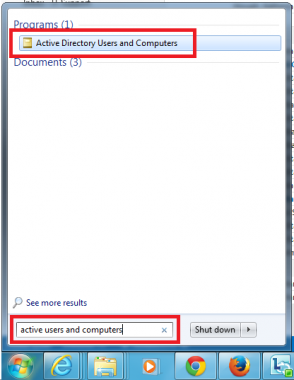
The Active Directory Users and Computers application does not come standard with Windows 7, but if you follow the steps below, you can complete the installation in a short time.
First, install the application you downloaded from Microsoft.
http://www.microsoft.com/en-AU/download/details.aspx?id=7887
Then go to Add or Remove Programs.

Go to the Windows components section on the left.
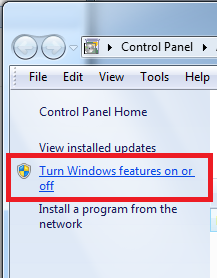
Check the parts related to Active Directory as shown in the screenshot.

The application will have been installed.



Share your experience
Got a question, a different solution or a note to add?
Log in or join us to write a comment.
Log in ↗︎Sign up ↗︎