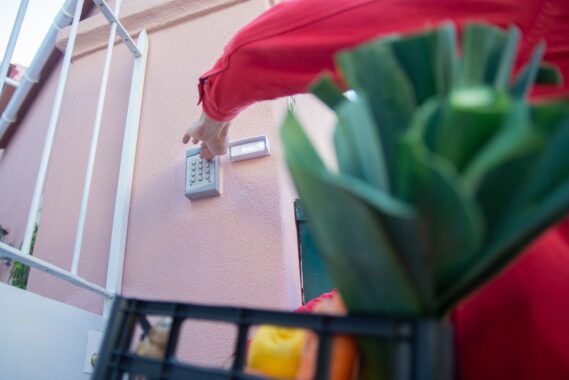
A design flaw that fundamentally undermines Bluetooth pairing has emerged in the TTLock platform, widely used in smart door locks. The vulnerability, recorded as CVE-2026-112345, relies on a hardcoded AES key embedded in the app and the lock firmware. This key is the same on all devices and can be read when the app or firmware is reverse engineered.
Session key exposed during pairing
TTLock’s own Bluetooth protocol sends the session key (aesKeyStr) to the pairing device encrypted with the hardcoded defaultKey embedded in the app. An attacker within Bluetooth range who passively listens to the pairing traffic can decrypt the lock’s response with this fixed key and capture the session key in plaintext. According to Yassine Damiri, the researcher who found the flaw, this key is never rotated during the lifetime of the pairing; once captured, access becomes permanent.
No authentication required to open the door
With the captured session key, an attacker can send Bluetooth requests that appear valid to the lock. The research shows that opening the door, adding a new fingerprint, defining an access code, and performing administrative actions can be done without user approval or authentication. The attack does not require any action from the lock owner.
VulnCheck’s advisory dated October 26 places the vulnerability in the high-risk group with a score of 8.6 on the CVSS 4.0 scale and 8.1 on the CVSS 3.1 scale. The affected version is the TTLock Android app before 9.8.260718 and the firmware of lock hardware paired with this app. Because the key is common across all devices of the same model, the issue is not limited to a single product; locks that use TTLock software under their own brand carry the same risk.
What to do
- Update the TTLock Android app to version 9.8.260718 or later.
- Because the key does not change during pairing, updating the app alone may not be enough; it is wise to re-pair the lock and follow the manufacturer’s instructions.
- Monitor door lock management through the app, and if you see an unfamiliar fingerprint or access code, delete it immediately.
- If the lock is connected to a home automation system, review other devices that share the same Bluetooth key.
For vulnerabilities that directly affect physical security, the patch schedule depends on the manufacturer. If your lock manufacturer has not released an update, temporarily using a physical key instead of the phone app for lock management and disabling remote unlocking over Bluetooth can reduce the risk.
Source: VulnCheck · Yassine Damiri · NVD
Share your experience
Bir sorunun, farklı bir çözümün veya eklemek istediğin bir notun var mı? Giriş yapmadan da yazabilirsin.