
If you want to update the Edit Members list edit view, the process is quite easy.
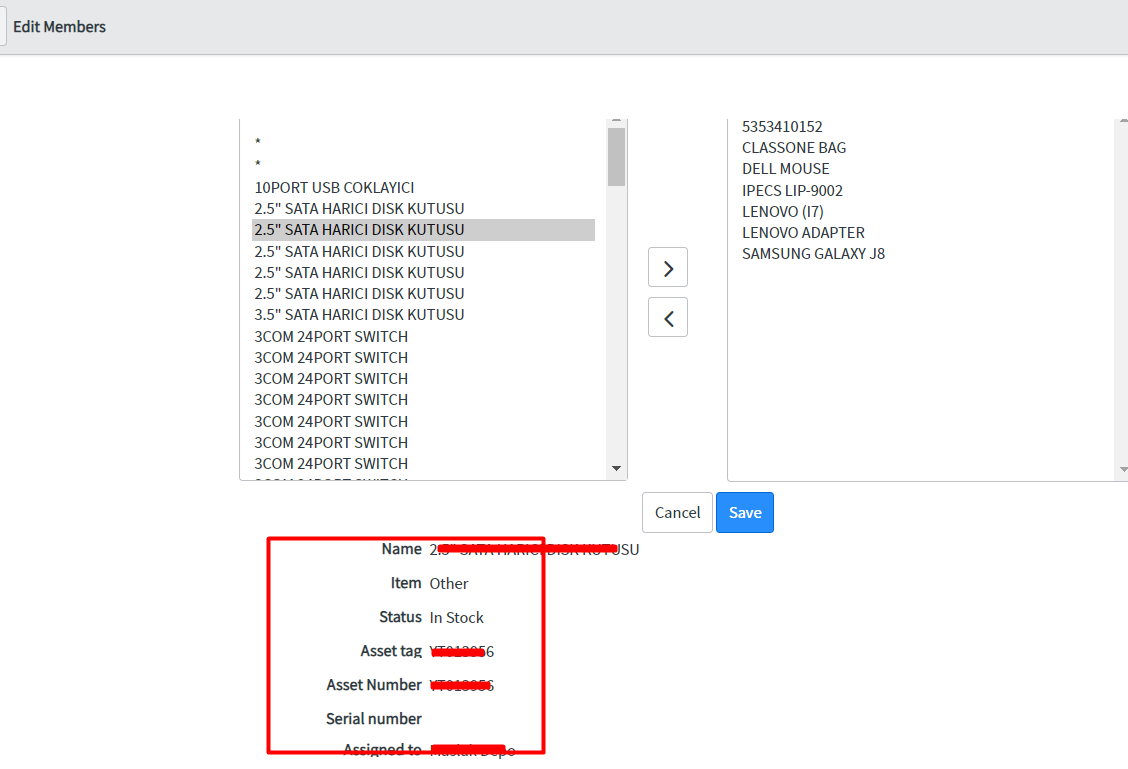
https://INSTENCE_NAME.service-now.com/TABLOADI_list.do?sysparm_view=sys_ref_list
Example:
https://INSTENCE_NAME.service-now.com/cmdb_ci_list.do?sysparm_view=sys_ref_list
After opening it in the browser, if you right-click on one of the fields on the table and do Configure -> List Layout , you will have customized the view.
Also, to change the default filter of the Slushbucket, right-click on the column header in the related list,
Configure-> List Control
Then, on the form, you can do it by adding Edit Default Filter from Configure -> Form Layout -> Edit Default Filter.

Share your experience
Bir sorunun, farklı bir çözümün veya eklemek istediğin bir notun var mı? Giriş yapmadan da yazabilirsin.