
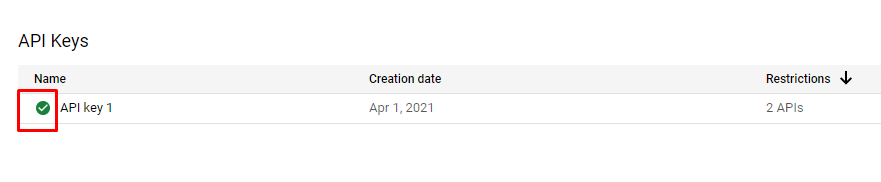
If you’ve added the Google Maps API to your system and also got the API KEY, but you’re getting this error, you should check the following steps.
API Manager – > Overview – > Maps JavaScript API

Then click the “ENABLE” button in the menu that appears.
If the menus differ, you can also activate your API using the steps below.

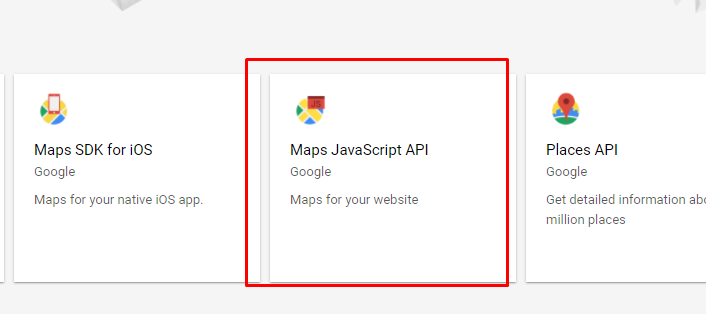
Afterward, once you’ve connected your API, you can use it after about 5 minutes.



Share your experience
Bir sorunun, farklı bir çözümün veya eklemek istediğin bir notun var mı? Giriş yapmadan da yazabilirsin.