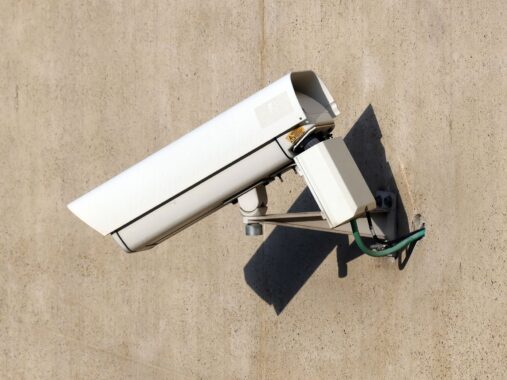
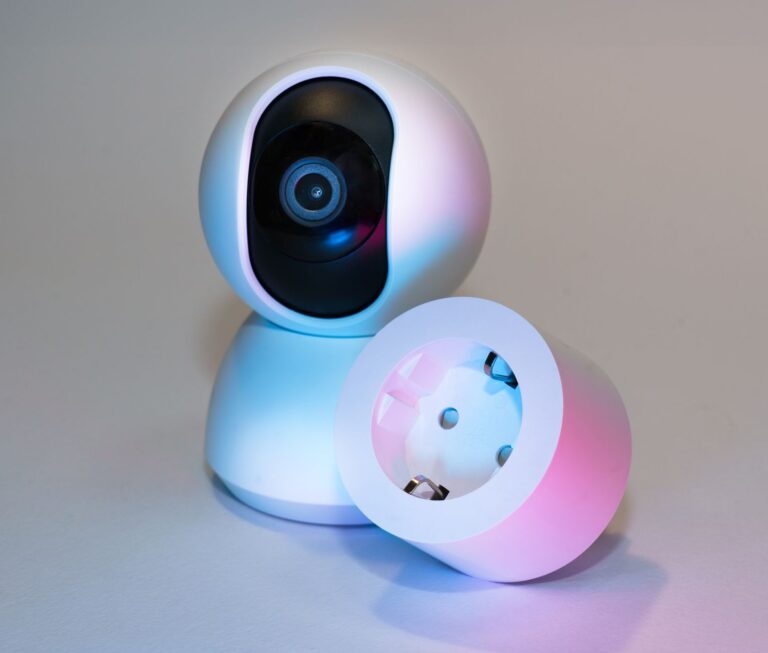
A security vulnerability has been discovered in TP-Link’s home security camera Tapo C325WB V2 model that allows an attacker to hijack the live video and audio stream without gaining access to the device. The issue, recorded as CVE-2026-105674, has a CVSS score of 8.7. A second vulnerability in the same product that crashes the stream was also listed as CVE-2026-105673.
Predictable key opens the live stream
The first vulnerability is in the generation of the pre-shared key the camera uses for its local media stream. Because this key is generated with a pseudo-random number generator seeded by time, it becomes predictable. An attacker on the adjacent network who does not authenticate can derive the key and connect to the media streaming service without valid credentials. This allows them to view or hijack the live video and audio stream.
Denial-of-service vulnerability that crashes the service
The second vulnerability is in the camera’s RTSP streaming service (TCP 554). A specially crafted pair of RTSP-over-HTTP tunneling requests sent while the Camera Account feature is enabled causes memory corruption and crashes the streaming service. This attack, which does not require authentication, interrupts the live video until the service restarts.
What should you do?
Both issues can be exploited from an adjacent network, meaning by an attacker with access to the same local network. Therefore, it is important to keep the password of the Wi-Fi network the camera is connected to strong and to ensure there are no unknown devices on the network. TP-Link has released a firmware update for the C325WB V2; the release notes are on the company’s support page. Camera owners should check the version through the app and apply the update.
Source: NVD · TP-Link support


Share your experience
Got a question, a different solution or a note to add?
Log in or join us to write a comment.
Log in ↗︎Sign up ↗︎