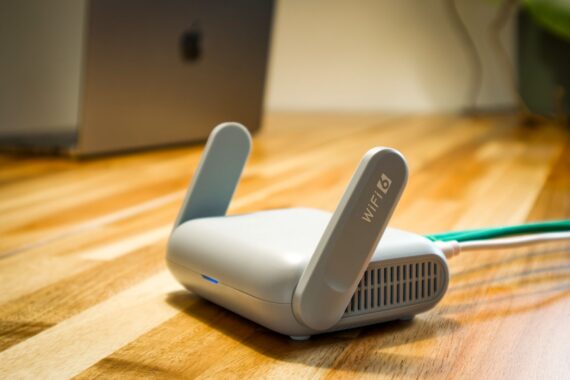
In a security bulletin published on November 10, ASUS announced new firmware versions that patch four security vulnerabilities in certain router models. All of the vulnerabilities are in the routers’ remote file access feature. According to ASUS, if one of these flaws is exploited, an attacker can execute commands on the device with elevated privileges or disrupt service.
The bulletin covers four entries: CVE-2026-88707, CVE-2026-88708, CVE-2026-88709, and CVE-2026-88710. The affected firmware series are listed as 3.0.0.4_386, 3.0.0.4_388, and 3.0.0.6_102.
Highest score for an adjacent-network attack
According to the CVSS 4.0 scores in ASUS’s bulletin, the most serious entry is CVE-2026-88710 with a score of 8.7. Its attack vector is marked as “adjacent network” (AV:A): the attacker does not need to log in to the device’s admin panel, and only needs to be able to access it from the same network. In that case, there is a risk of arbitrary command execution on the device with elevated privileges.
CVE-2026-88707 has a score of 7.1 and carries a risk of service disruption and data integrity issues. CVE-2026-88709 is scored 7.0; exploiting this flaw requires the attacker to have physical access to the device and use a connected USB storage device. The fourth entry, CVE-2026-88708, has the lowest impact with a score of 5.3.
Update and temporary mitigations
ASUS’s recommendation is clear: upgrade the router firmware to the latest version. The latest firmware can be downloaded from the product’s ASUS support page or product page. The device needs to be restarted after installation.
For those who can’t update right away, ASUS lists these steps: disable unused remote file access and cloud storage features, turn off remote access from the WAN, delete file-sharing links that are no longer needed, do not connect USB storage devices you don’t recognize to the router, use a strong and unique password of at least 10 characters for the admin panel and Wi-Fi, and do not allow untrusted devices onto the local or wireless network.
The risk is higher for home and small office users who share a disk or NAS connected to the router over the network. Since all of the vulnerabilities are in this feature, the attack surface is smaller if sharing is disabled; still, the real fix is the firmware update.
The router’s firmware version can be checked on the system information screen in the admin panel; the downloaded file must match the model name, because firmware for the wrong model can render the device unusable. Since the router sits at the center of the home network, a vulnerability here affects not just the device itself but also the traffic of devices on the same network, such as phones, computers, and cameras.
Source: ASUS Security Bulletin · NVD


Share your experience
Bir sorunun, farklı bir çözümün veya eklemek istediğin bir notun var mı? Giriş yapmadan da yazabilirsin.