If you have an external disk formatted with EFI, which is the Macintosh file format, to convert it to a format that can be opened in Windows 7 or Windows 8;
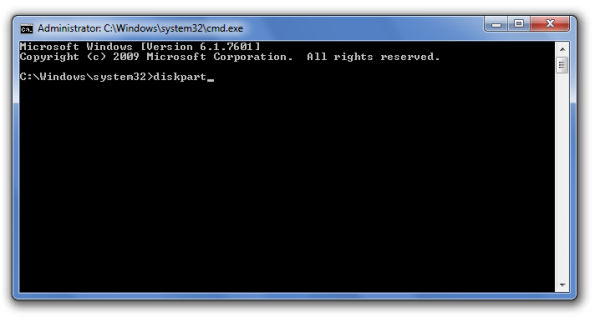
First, run the CMD command line as Administrator.
Type diskpart and press Enter.
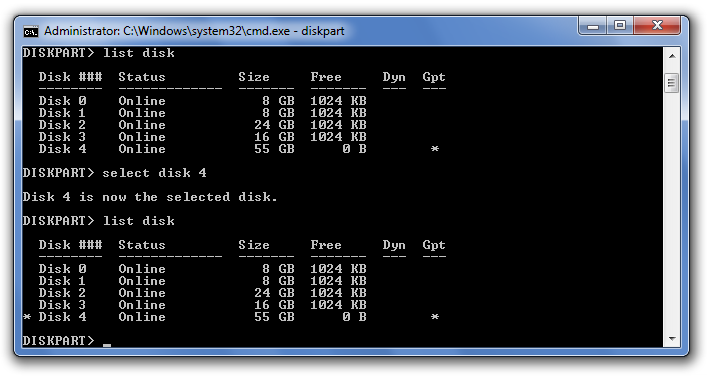
Type list disk and press Enter.
The disks connected to your computer are listed. When you see the disk with EFI format, check the disk number next to it. (e.g.: Disk 4)
Type select disk #numara (e.g.: select disk 4) and press Enter
Type clean and press Enter
Note: This operation deletes the data on the selected disk.




Share your experience
Bir sorunun, farklı bir çözümün veya eklemek istediğin bir notun var mı? Giriş yapmadan da yazabilirsin.